Original: $19.99
-65%$19.99
$7.00The Story
Why buy individually? Did you know you can unlock every product instantly with an All Access Membership?

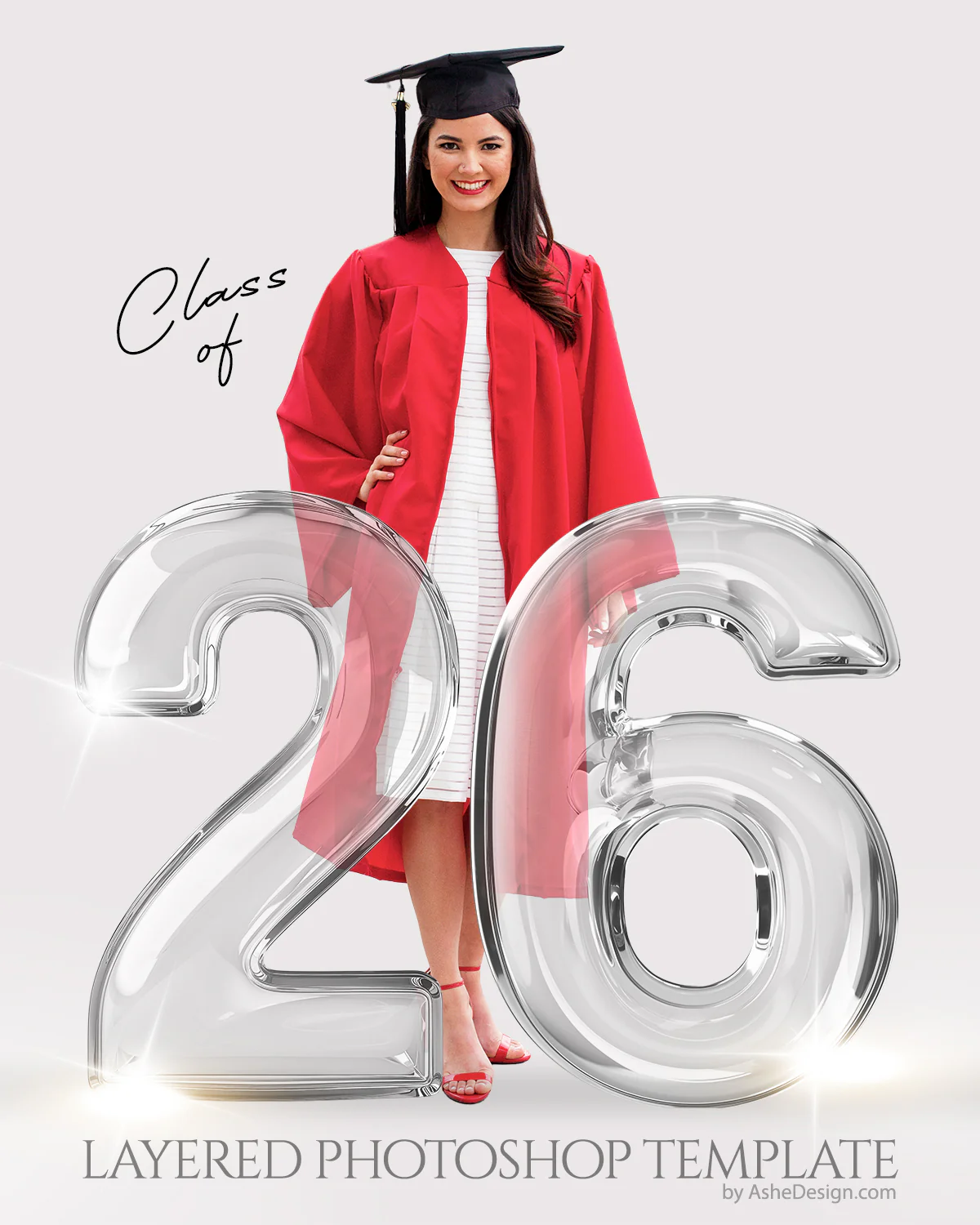
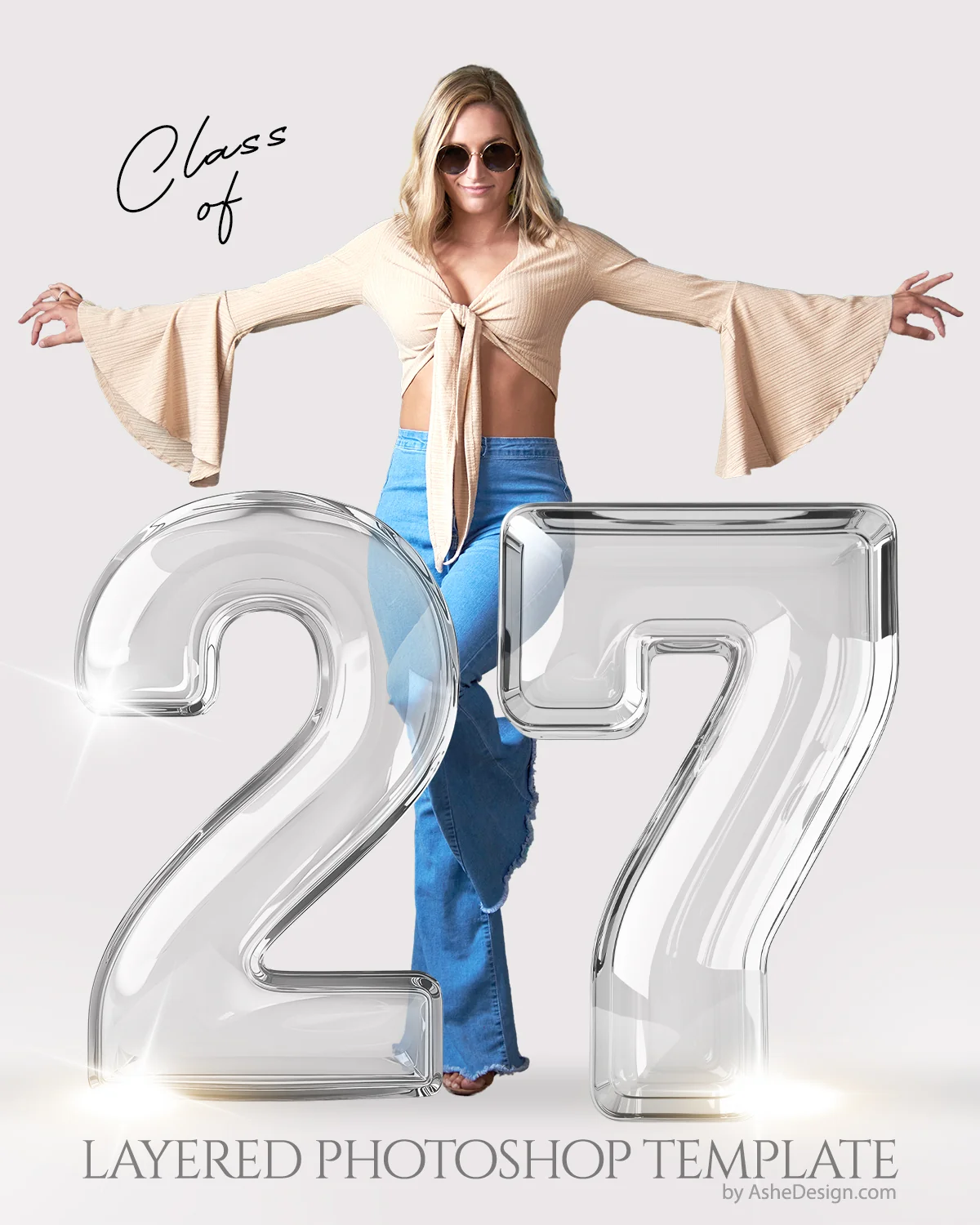
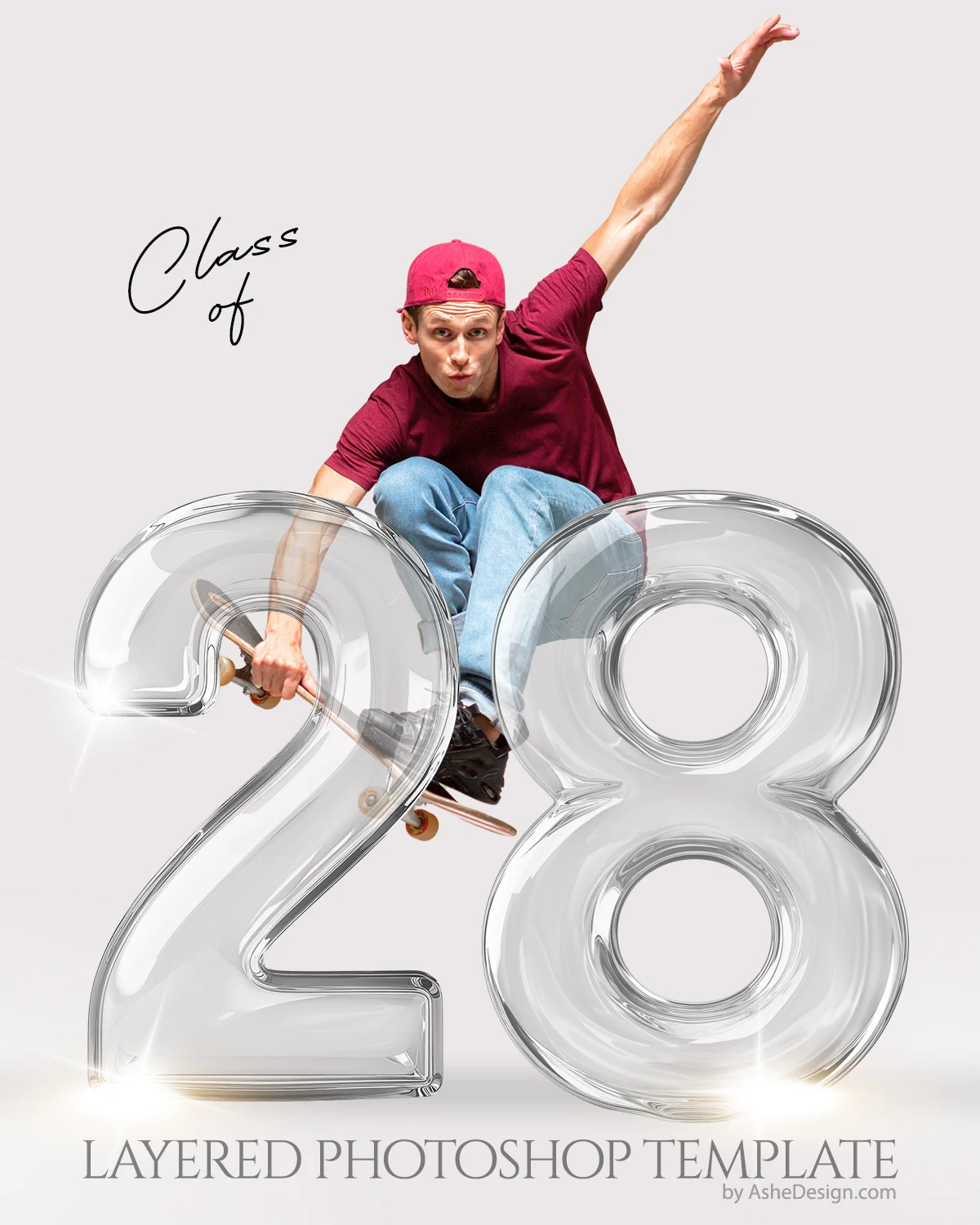
Our "Crystal Seniors" layered Photoshop digital backdrop – a sophisticated and timeless choice for commemorating any graduating class. This versatile collection includes high-resolution, transparent PNG overlays of numbers 0–9 in a stunning crystal-clear style, allowing you to create any year with ease. Perfect for senior portraits, announcements, and digital backdrops, these overlays add an elegant, polished touch to your graduation-themed edits.
Seamlessly integrate your cutout subjects into this crystalline scene, creating images that exude grace and sophistication.
Download Links Include
- Set of png crystal number overlays, 0-9 to edit the year
-
(1) 16x20 layered Photoshop template
Software Requirements
- Adobe Photoshop needed to edit our Photoshop templates
- Compatible with Photoshop; Photoshop Elements
- Compatible with Mac & PC (NOT mobile devices)
How To Use
- First remove the background from your subject. Watch video HERE
- Second, add your cutout image to the Photoshop template. Watch video HERE
Font List Included (find your font)
- Bellarina (Free Font)
Details & Craftsmanship
Every detail has been carefully considered to bring you the perfect product.
Details & Craftsmanship
Every detail has been carefully considered to bring you the perfect product.
Description
Why buy individually? Did you know you can unlock every product instantly with an All Access Membership?
Our "Crystal Seniors" layered Photoshop digital backdrop – a sophisticated and timeless choice for commemorating any graduating class. This versatile collection includes high-resolution, transparent PNG overlays of numbers 0–9 in a stunning crystal-clear style, allowing you to create any year with ease. Perfect for senior portraits, announcements, and digital backdrops, these overlays add an elegant, polished touch to your graduation-themed edits.
Seamlessly integrate your cutout subjects into this crystalline scene, creating images that exude grace and sophistication.
Download Links Include
- Set of png crystal number overlays, 0-9 to edit the year
-
(1) 16x20 layered Photoshop template
Software Requirements
- Adobe Photoshop needed to edit our Photoshop templates
- Compatible with Photoshop; Photoshop Elements
- Compatible with Mac & PC (NOT mobile devices)
How To Use
- First remove the background from your subject. Watch video HERE
- Second, add your cutout image to the Photoshop template. Watch video HERE
Font List Included (find your font)
- Bellarina (Free Font)